
Village in the Shade Save Location: Windows Folder and Backups
Village in the Shade’s Windows Steam Cloud metadata points to the Honogurashinoniwa folder under Nippon Ichi Software, Inc in Roaming AppData.
Where are the Windows save files?
The game’s Steam Cloud configuration identifies this Windows folder:
%APPDATA%\Nippon Ichi Software, Inc\HonogurashinoniwaThe SteamDB Cloud Saves view displays the app configuration also available through the Steam app-info mirror. It uses WinAppDataRoaming, rather than the install directory or a guessed Local AppData folder.
The configured file patterns are save.*, .systemsave, and save.lst, searched recursively. These are configuration entries, not a guarantee that every file exists before you create a save.

The Perfect Farming Sim for Halloween is here! Village in the Shade · Josh's Gaming Garden
Third-party English-language launch-day gameplay used as general reference for the 2026 original game. It is not a dedicated tutorial or proof of a particular location, setting, route, or patch behavior.
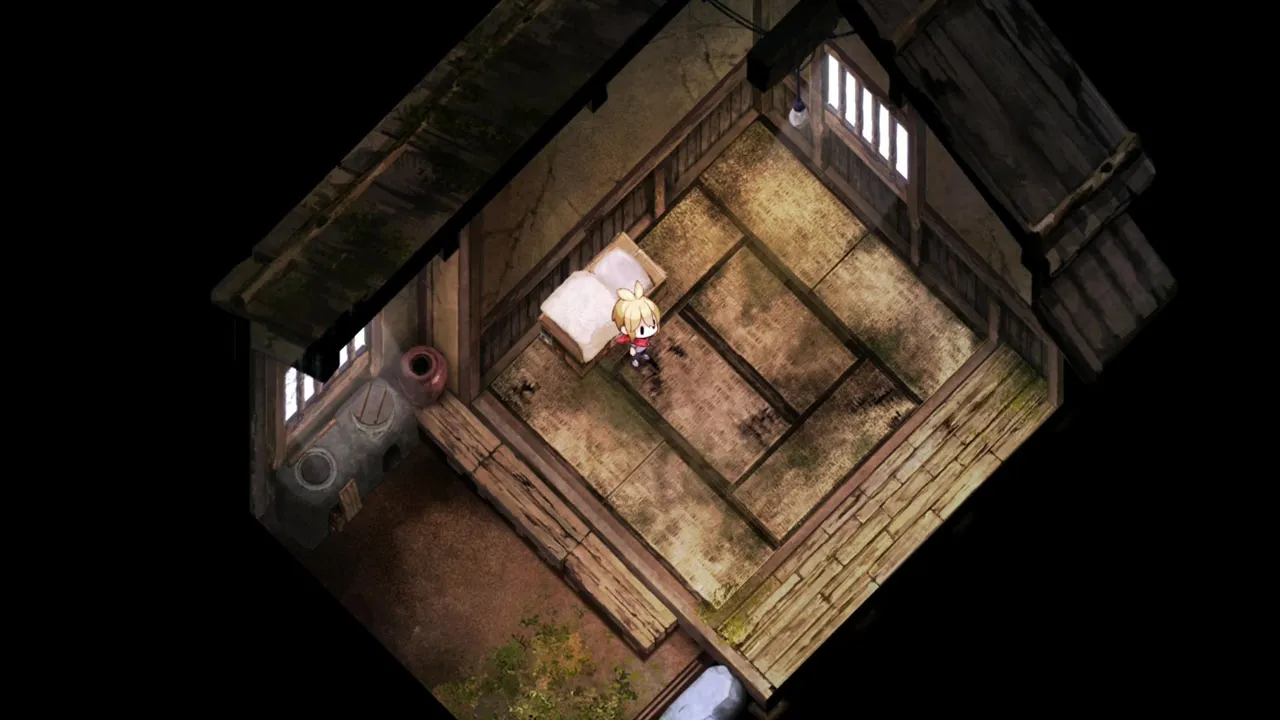
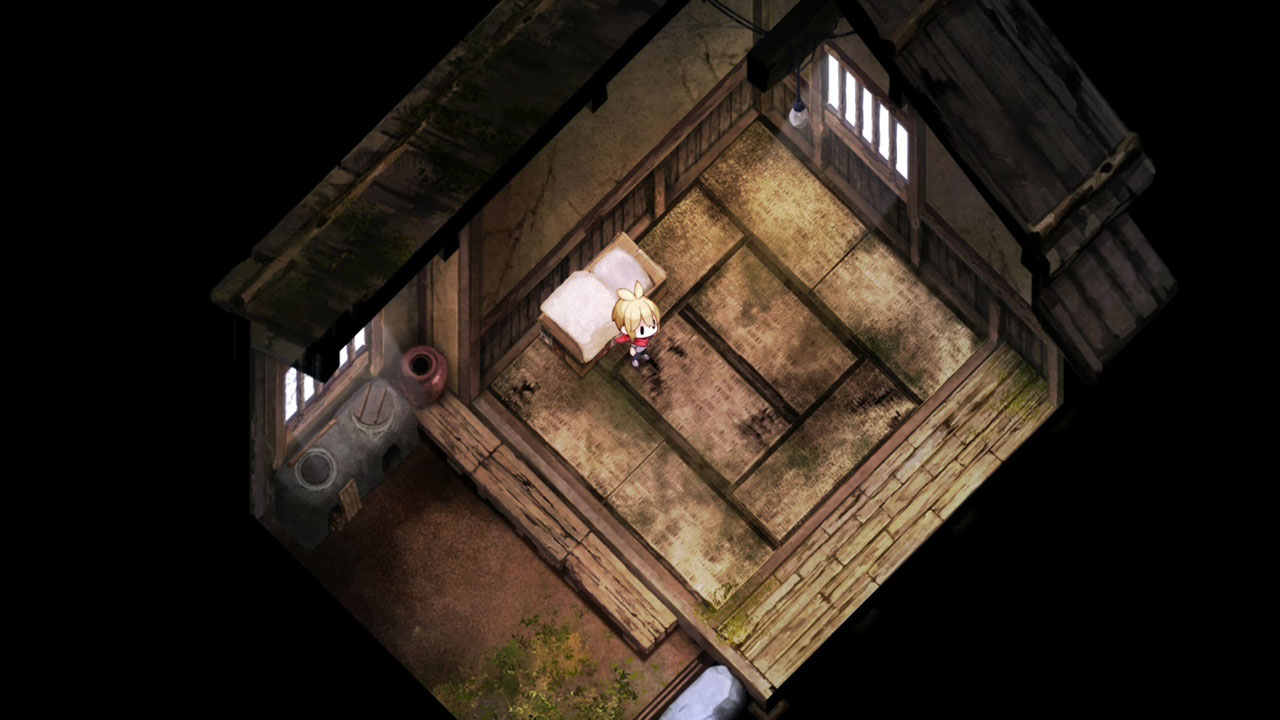
Cover context: Official house-interior screenshot showing a bed; context only, not an operating-system save-file location.
How do you open the folder?
On Windows, open File Explorer, paste the path above into the address bar, and press Enter. %APPDATA% expands to the current Windows user’s roaming application-data directory.
If the folder is absent, confirm the Windows account used to play and whether a save has been created. Confirm the game-specific folder name before copying or restoring files.
How should you make a backup?
Exit the game first and allow Steam to finish synchronization. Copy the entire game-specific save folder to a separate dated location. Keep the original until you have verified the backup; copying is safer than moving the only copy.
Do not assume that a local manual backup and Steam Cloud are interchangeable. A synchronization conflict can involve different revisions of a save. Preserve both relevant copies before choosing which one to keep.
Does this give the Steam Deck or console path?
No. The path above describes the Windows root in the published cloud configuration. Steam Deck compatibility layers and console save management have different structures. This guide does not invent a Proton prefix path, cross-platform save-transfer feature, or console file-browser method.
For in-game saving, follow the game’s actual save prompts. The filesystem location is a separate question from when the game records progress.
Related guides
Media sources
Related Articles
community
Village in the Shade Discord: Publisher and Player Communities
NIS America’s Discord is a publisher community that can help you find other Village in the Shade players.
community
Village in the Shade Official Website and Store Links
The official English Village in the Shade website is operated by NIS America, with a separate Japanese site from Nippon Ichi Software.
community
Village in the Shade Reddit: Reviews, Help, and Spoiler Etiquette
Reddit discussions can help you compare player impressions of Village in the Shade, but they are not official patch notes.
Was this helpful?
Thanks for the feedback!