
Village in the Shade Steam Deck Guide: Verified Status, Settings, and Tips
Village in the Shade is listed as Steam Deck Verified and supports Steam Cloud and controllers.
Is Village in the Shade Steam Deck compatible?
A quiet farming game with unsettling secrets sounds ideal for handheld play, and Village in the Shade Steam Deck compatibility matters because this atmospheric adventure is built around relaxed exploration rather than short, disposable sessions. The good news is that Village in the Shade Steam Deck support is officially listed as Verified on its Steam store page, making it one of the safer choices for players who want to farm, decorate, and uncover Kagatsu from the couch.

Village in the Shade Launch Trailer - (Nintendo Switch, Nintendo Switch 2, PlayStation 5, and Steam) · NIS America
Official launch trailer used as general reference for the 2026 original game. It is not a dedicated tutorial, a hardware test, or proof of a specific mechanic, patch, translation, price, or demo.
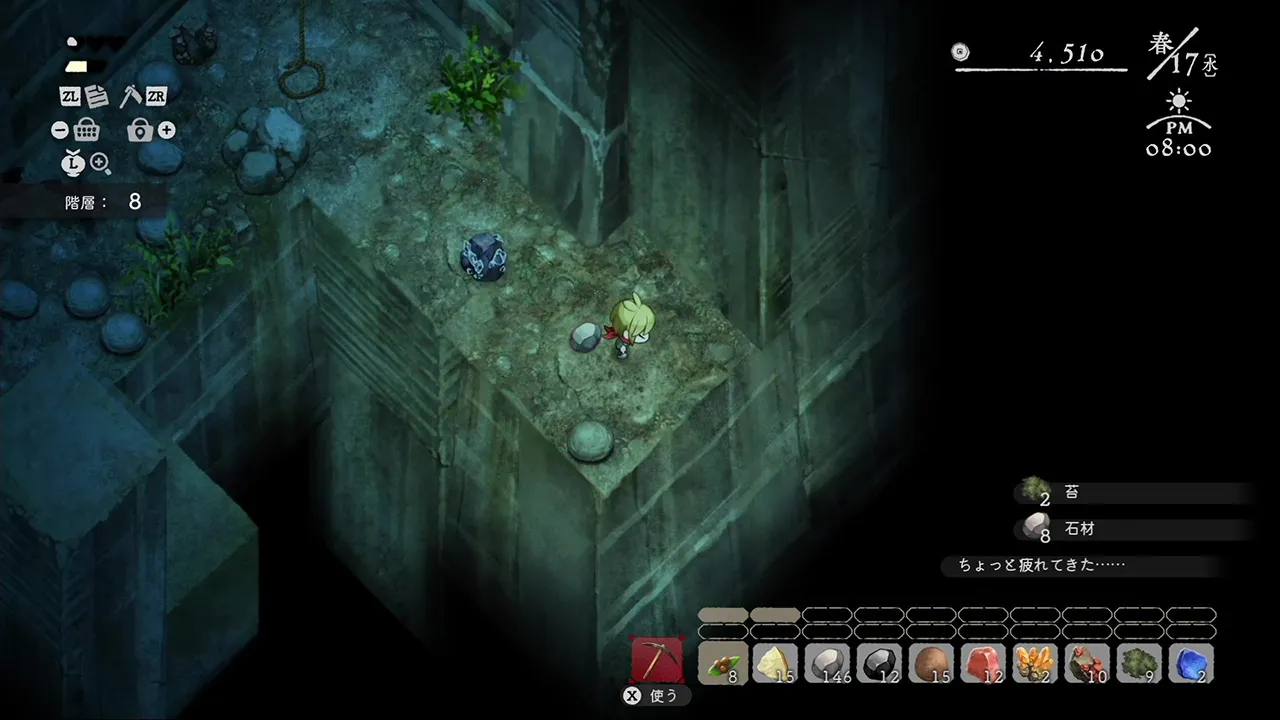
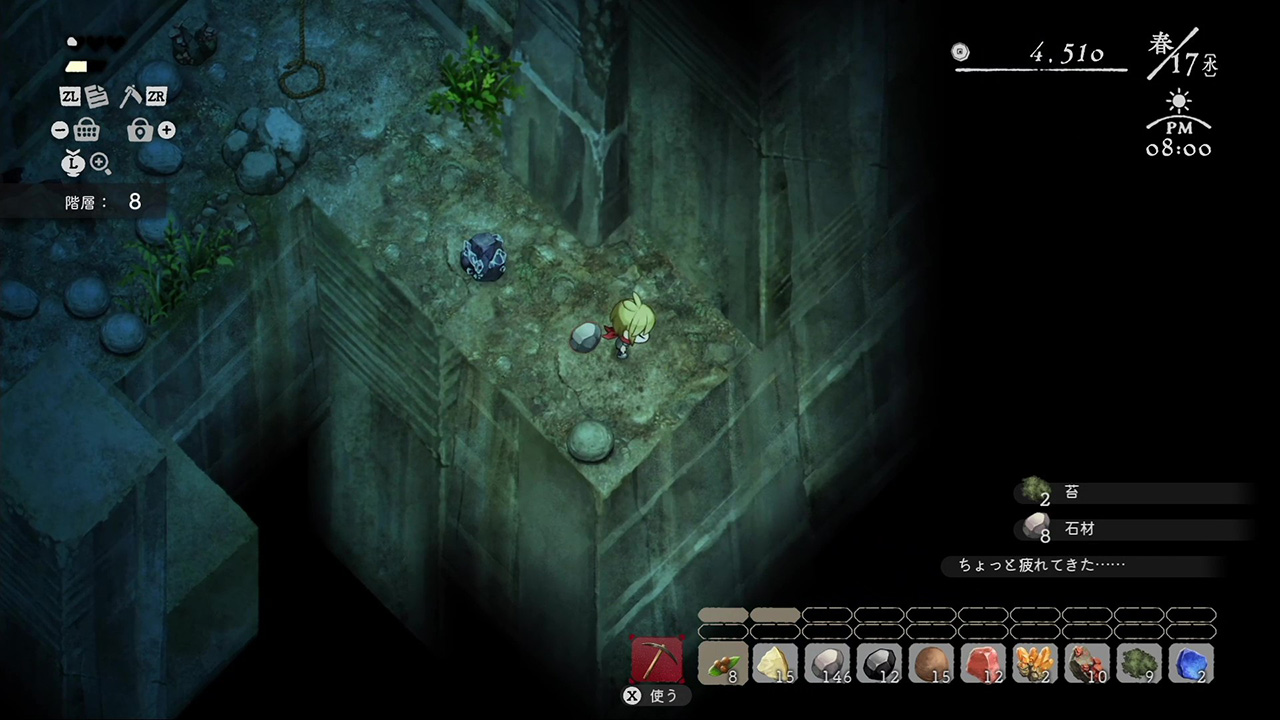
Cover context: Official quarry screenshot; general game illustration, not Steam Deck footage or a benchmark.
The game comes from Nippon Ichi Software and NIS America. It combines farming simulation, exploration, crafting, character relationships, and psychological horror in a hand-painted Japanese mountain village. That mixture gives it a distinctive identity: peaceful routines and colorful festivals exist alongside strict rules, unexplained dangers, and story-driven discoveries.
According to the official listing, the game supports:
- Single-player play
- Steam Cloud
- Steam Achievements
- Steam Trading Cards
- Remote Play on TV
- Family Sharing
- Xbox and PlayStation controller layouts
- Custom volume controls
- English interface and subtitles, plus six additional interface and subtitle languages
For the most current compatibility information, check the official Village in the Shade Steam store page.
What Steam Deck Verified means for this game
Steam Deck Verified is a useful starting point, but it is not a promise that every player will have identical battery life, frame pacing, or display preferences. Valve’s badge indicates that the game passed compatibility checks for key areas such as controls, text readability, system support, and default configuration.
The store page specifically labels Village in the Shade as Verified. That makes installation and basic controller use considerably less uncertain than with an untested PC game.
| Compatibility area | Official status or expectation | What it means for players |
|---|---|---|
| Steam Deck rating | Verified | The game has passed Valve’s compatibility checks |
| Input | Controller support listed | Menus and gameplay are intended to work with a gamepad |
| Display | Verified listing | Text and interface should meet Steam Deck compatibility requirements |
| Steam Cloud | Supported | Saves can synchronize across compatible Steam devices |
| Single-player | Supported | No online connection is required for the core experience |
| Operating system listing | Windows 10/11 on PC | The PC requirements do not directly describe SteamOS hardware needs |
| Storage | 9 GB listed for PC | Reserve at least the listed space, with additional room for updates |
The Windows system requirements shown on Steam should not be treated as a direct Steam Deck benchmark. Steam Deck runs SteamOS and uses Proton compatibility technology for many Windows games. The Verified badge is therefore more relevant to handheld usability than the desktop CPU and GPU requirements alone.
There is also no need to install community control profiles before trying the game. Start with the default layout, then customize only if you prefer different shortcuts for farming, menus, or camera movement.
How the game fits handheld play
Village in the Shade is structured around repeating days, local errands, farm work, village activities, and gradual story progression. That rhythm suits the Steam Deck particularly well because you can complete a small task, suspend the system, and return later without needing to commit to a long continuous session.
The gameplay loop includes:
- Planting and managing crops
- Gathering materials around the farm
- Crafting fences and other homestead items
- Purchasing furniture and decorating your house
- Talking with villagers
- Participating in seasonal activities
- Exploring Kagatsu and investigating its secrets
- Following—or breaking—the village’s unusual rules
The relaxing presentation may appeal to fans of farming sims, but the horror content changes the tone. The game warns players not to talk to strangers, leave the village, or go outside at night. These restrictions are not merely decorative flavor; they frame the mystery and encourage careful exploration.
| Feature | Why it works on Steam Deck | Suggested play style |
|---|---|---|
| Farming | Repetitive tasks are easy to complete in short sessions | Use 15–30 minute play periods |
| Decorating | Handheld controls make room customization convenient | Decorate between story objectives |
| Festivals | Seasonal events provide clear goals | Play with higher brightness if details are hard to see |
| Exploration | Portable play makes it easy to investigate at your own pace | Keep a mental or written note of village rules |
| Horror sequences | Headphones can make atmosphere more immersive | Use a comfortable volume level and breaks |
| Story discovery | Suspend and resume lets you avoid rushing | Stop after major discoveries to preserve the mood |
Because the game includes horror themes, cartoon violence, blood, alcohol and tobacco references, and themes of suicide, it may not be the right choice for every player or every family setting. Steam lists the game with a Teen rating from the ESRB.
Recommended Steam Deck setup
The official store page confirms Verified compatibility but does not publish a dedicated Steam Deck graphics configuration. That means the best approach is to begin conservatively and adjust based on your own display, brightness, and battery preferences.
Avoid assuming that a higher wattage limit or aggressive frame-rate setting is automatically better. A farming sim with a largely deliberate pace may feel excellent at a stable, moderate frame rate, while maximizing performance can consume more battery without delivering a meaningful visual improvement.
| Setting or option | Recommended starting point | Why |
|---|---|---|
| Performance profile | Default SteamOS profile | Establishes a baseline before making changes |
| Frame-rate limit | Leave unchanged initially | The Verified configuration may already be suitable |
| Refresh rate | Use the display’s standard setting | Avoid unnecessary battery use while testing |
| TDP limit | Do not change at first | Custom limits can create instability or stutter |
| Brightness | Adjust for dark scenes | Horror areas may be difficult to read at low brightness |
| Audio | Use custom volume controls | Helps balance music, effects, and dialogue |
| Proton version | Start with the default selected by Steam | Only test alternatives if a problem appears |
| Storage location | Internal SSD for initial testing | Simplifies troubleshooting and update management |
A practical first session should last long enough to test several activities rather than judging performance from the opening screen alone. Try walking through the village, opening menus, completing a farm task, entering a building, and saving or suspending the game.
Controls and comfort tips
The listing identifies Xbox and PlayStation controller support, which should make the built-in Steam Deck controls a natural fit. If a command feels awkward, use Steam Input to remap buttons instead of changing several settings at once.
Consider these adjustments:
- Assign frequently used actions to rear buttons if you prefer not to move your thumbs.
- Increase interface scale only if text is uncomfortable to read.
- Use headphones for environmental audio, but keep the volume moderate.
- Turn on subtitles if you want to follow story details during portable play.
- Keep a charger nearby during longer farming sessions.
- Use Steam Cloud, but still allow the game time to save before closing it.
| Common handheld concern | Practical response |
|---|---|
| Small text | Increase the Deck’s system display scaling or move closer to the screen |
| Difficult-to-hear dialogue | Enable subtitles and adjust custom volume controls |
| Short play sessions | Focus on one farm task, conversation, or exploration objective |
| Battery uncertainty | Begin with default performance settings and monitor actual usage |
| Accidental suspension | Save before entering important story areas or ending a session |
| Control discomfort | Remap only the buttons you use most frequently |
Performance expectations and storage
The Steam listing reports 9 GB of available storage for the Windows PC version. Since operating systems, shader data, patches, and other games also occupy space, it is sensible to leave additional free capacity rather than filling the drive to the exact minimum.
The game’s PC requirements list an Intel Core i5-6400 processor, 8 GB of memory, and a GeForce GTX 750 Ti as minimum specifications. Recommended specifications rise to an Intel Core i5-12500, 16 GB of memory, and a GeForce GTX 1650. These figures offer context for the desktop version, but they do not translate directly into a Steam Deck performance forecast.
| Official PC requirement | Listed specification | Steam Deck takeaway |
|---|---|---|
| Operating system | Windows 10/11, 64-bit | Steam Deck uses SteamOS, so compatibility testing matters |
| Minimum processor | Intel Core i5-6400 | Do not compare desktop CPU names directly with the Deck’s custom APU |
| Minimum memory | 8 GB RAM | The game’s minimum memory target is clearly stated for PC |
| Minimum graphics | GeForce GTX 750 Ti | Desktop GPU comparisons are not a substitute for hands-on testing |
| Recommended processor | Intel Core i5-12500 | Intended for stronger desktop performance |
| Recommended memory | 16 GB RAM | Provides additional headroom on a desktop |
| Recommended graphics | GeForce GTX 1650 | Indicates the recommended PC tier, not a Deck preset |
| Storage | 9 GB | Keep extra space available for updates and shader data |
As of October 28, 2026, the Steam page also shows positive reception: 91% of 670 all-time reviews are positive, while recent reviews are listed at 96% positive from 85 reviews. Those figures describe Steam user sentiment, not guaranteed Steam Deck performance.
The page also notes a free Patch 1.30 update released on October 27, 2026. Updates can change performance, controls, or compatibility behavior, so check the game’s announcements if your experience differs from the initial Verified result.
No independent benchmark data or video testing was included in the available source material. Accordingly, claims about exact frame rates, battery duration, fan noise, or specific graphics presets should be treated as unverified until tested on your own Deck.
Is it worth buying for Steam Deck?
For players who enjoy atmospheric farming games, Village in the Shade looks like a strong handheld candidate. Its combination of routine activities and mystery gives you a reason to play both short sessions and longer evenings. The official Verified rating removes much of the usual uncertainty around basic installation and controller functionality.
The main buying considerations are tone and price. The standard Steam listing shows a $49.99 price, while the Deluxe Edition bundle includes the game, its original soundtrack, and an art book at a listed discounted bundle price of $65.07. Prices can change by region, sale, tax, or promotion, so confirm the current total before purchasing.
| Player type | Recommendation | Reason |
|---|---|---|
| Farming-sim fan | Strong candidate | Crops, crafting, decorating, and village relationships are central |
| Horror fan | Worth considering | The peaceful setting hides psychological horror and unsettling secrets |
| Cozy-game player | Proceed with caution | The presentation is gentle, but the story includes mature themes |
| Achievement hunter | Good fit | Steam lists 52 achievements |
| Offline player | Suitable | The core game is single-player |
| Deck owner seeking guaranteed battery life | Wait for testing | The official page confirms Verified status, not exact battery results |
| Multiplayer-focused player | Not a match | The listed feature set centers on single-player play |
The best reason to choose the game is its contrast. You can relax beside a brook, attend a festival, or customize your home, then feel tension because the village’s rules imply that something is wrong. That pacing may be especially effective on a handheld, where the player controls when to pause and return.
Related guides
Media sources
Related Articles
guide
Village in the Shade Save Location: Windows Folder and Backups
Village in the Shade’s Windows Steam Cloud metadata points to the Honogurashinoniwa folder under Nippon Ichi Software, Inc in Roaming AppData.
platforms
Village in the Shade on PS5: Editions, Languages, and Buying
Village in the Shade is officially available on PlayStation 5, with the Western release dated October 27, 2026.
platforms
Village in the Shade Steam Guide: Price, Features, Requirements, and More
Village in the Shade on Steam combines single-player farming and village life with a supernatural mystery.
Was this helpful?
Thanks for the feedback!